Built by the Professionals Who Use It: Why Spacely AI Is a Professional Tool
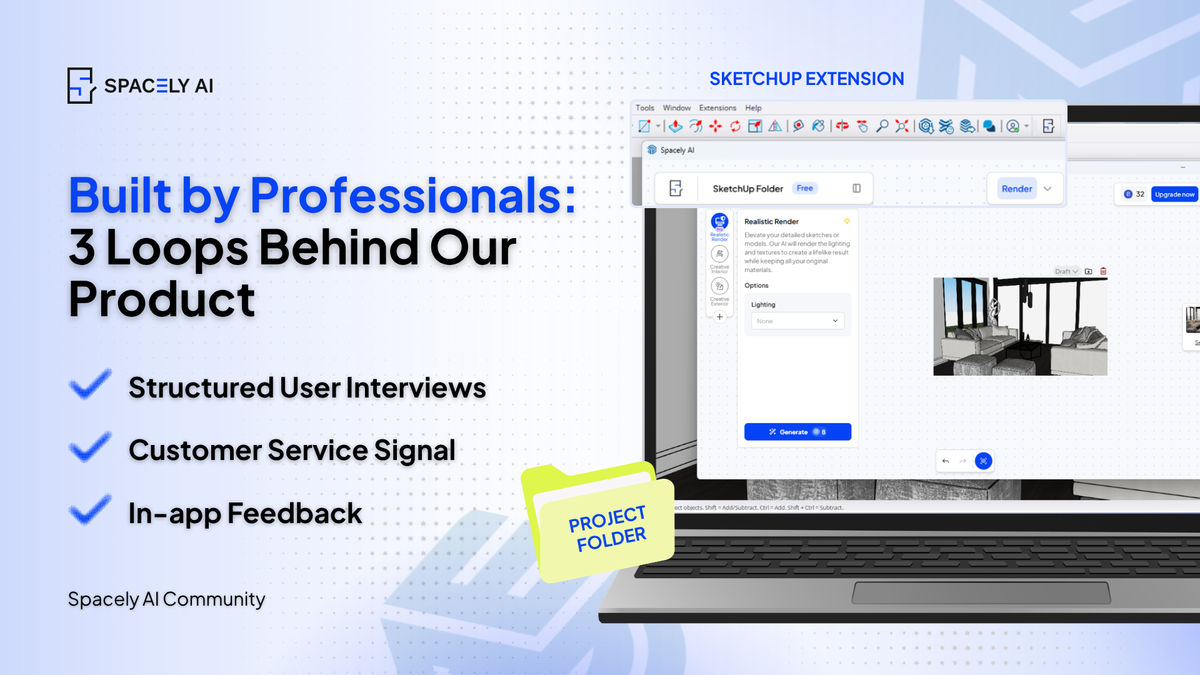
There's a quiet difference between AI tools built for professionals and AI tools built with professionals. The tools that professionals keep coming back to aren't always the flashiest ones. They're the ones that hold up under real conditions — a live client review, a Friday deadline, a last-minute change that needs to look considered, not rushed.
Spacely AI is built around that reality. The platform was developed in continuous conversation with the people who use it daily — interior designers shaping client presentations, real estate professionals staging listings, homeowners visualizing renovations before signing a contractor.
It's a development methodology, and it shows up in specific product decisions a designer can point to and say: "this exists because someone told you it needed to exist.”
The 3 loops behind the product
1. Structured user interviews.
The product team conducts user interviews across the four primary user types — interior designers, architects, real estate professionals, and homeowners. The interviews are not satisfaction surveys.
They're working sessions: the user opens an active project, and the product team watches what works, where the friction is, and what the user wishes existed.
2. Customer service signal.
When the same question appears in support emails, it gets flagged for product review. This is how friction patterns become roadmap items. A confused user is not a user error — it's a product signal.
3. In-app feedback.
Every render carries a thumbs-up or thumbs-down button with optional context. This data feeds directly into model refinement and tool prioritization. The signal isn't just "did the AI produce something good" — it's "did this fit what the user was trying to do."
What this looks like in the product
Several Spacely AI features exist in their current form because users — designers, agents, homeowners — said they should:
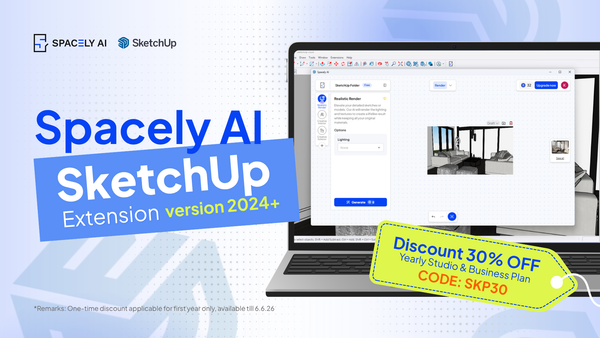
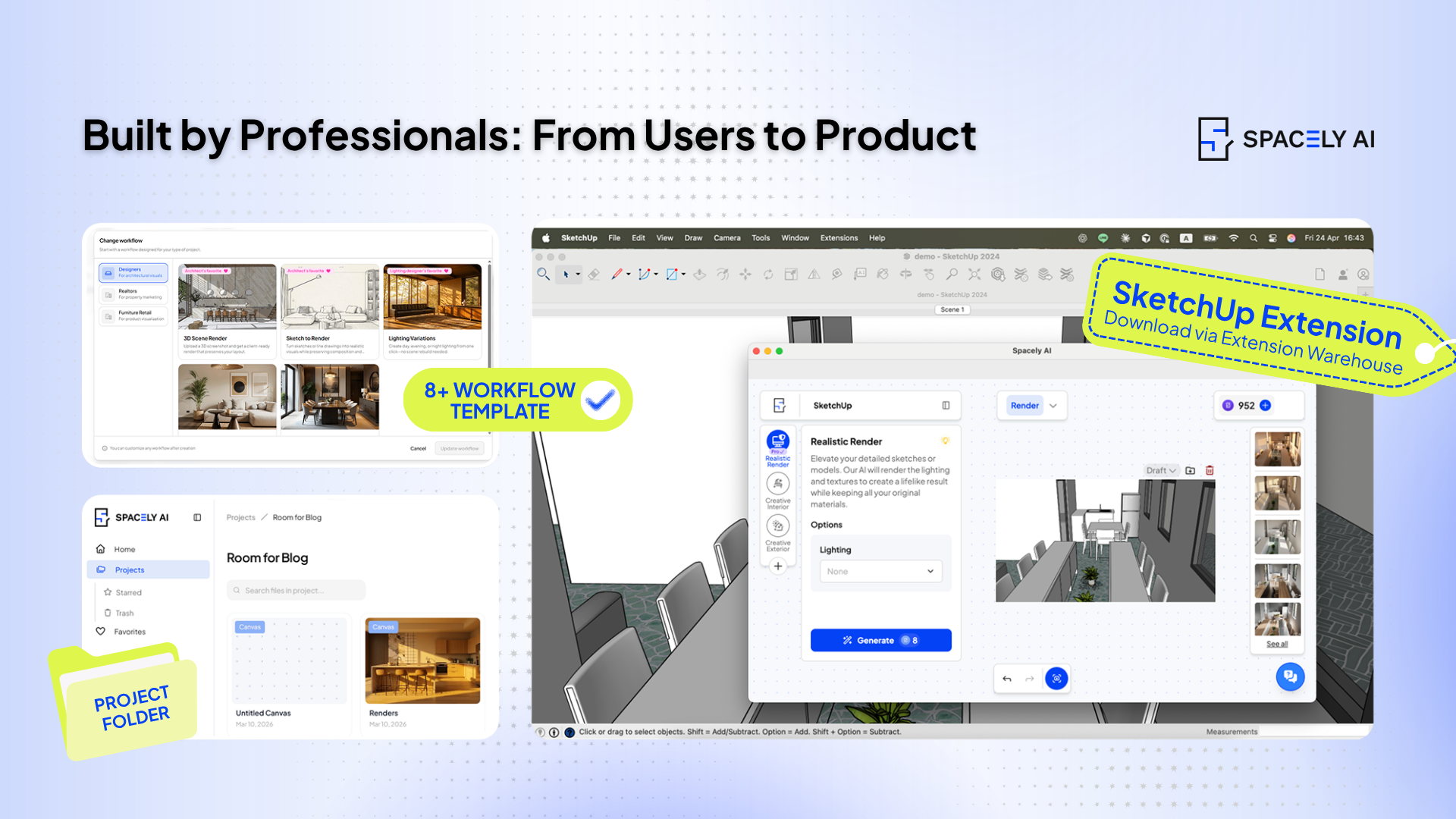
- The full SketchUp Extension toolkit was added when architects said they wanted to use Auto Furnish, Point & Edit, and Enhance Quality 4K without leaving SketchUp — not just Realistic Render. Now the full toolkit runs inside the extension, version 2024+.
- Eight role-based Workflow templates were added when users said the workspace's twelve tools felt overwhelming on day one. Now interior designers, architects, real estate agents, homeowners, and renovation firms each have a starter workflow that matches their most common project type.
- Project Folders were added when designers reported that finding a specific render across weeks of work was nearly impossible in a single feed view. Now every render saves into a project automatically, ordered chronologically.
- Point & Edit was added when users explained that prompting a "small change" to an existing render kept regenerating the whole image. Now users can select a single element — a sofa, a rug, a light fixture — and replace it without disturbing the rest of the composition.
The development methodology doesn't end. New users on every plan tier — Free, Starter, Studio, Business — feed into the same three loops. Every render produced anywhere on the platform contributes to the next refinement. Every support email shapes the next default. Every interview surfaces what's still missing.
Get started
→ Watch the full tutorial on YouTube
FAQ
Q: Can I submit feedback on Spacely AI if I'm a Free plan user?
A: Yes. All feedback channels are open across plan tiers. The in-app thumbs-up and thumbs-down works on every render on every plan, support email is open to all users at support@spacely.ai , and user interviews are conducted across plan tiers.