What's New in Spacely AI: Your Complete AI Design System Has Arrived (Q1 2026 Edition)
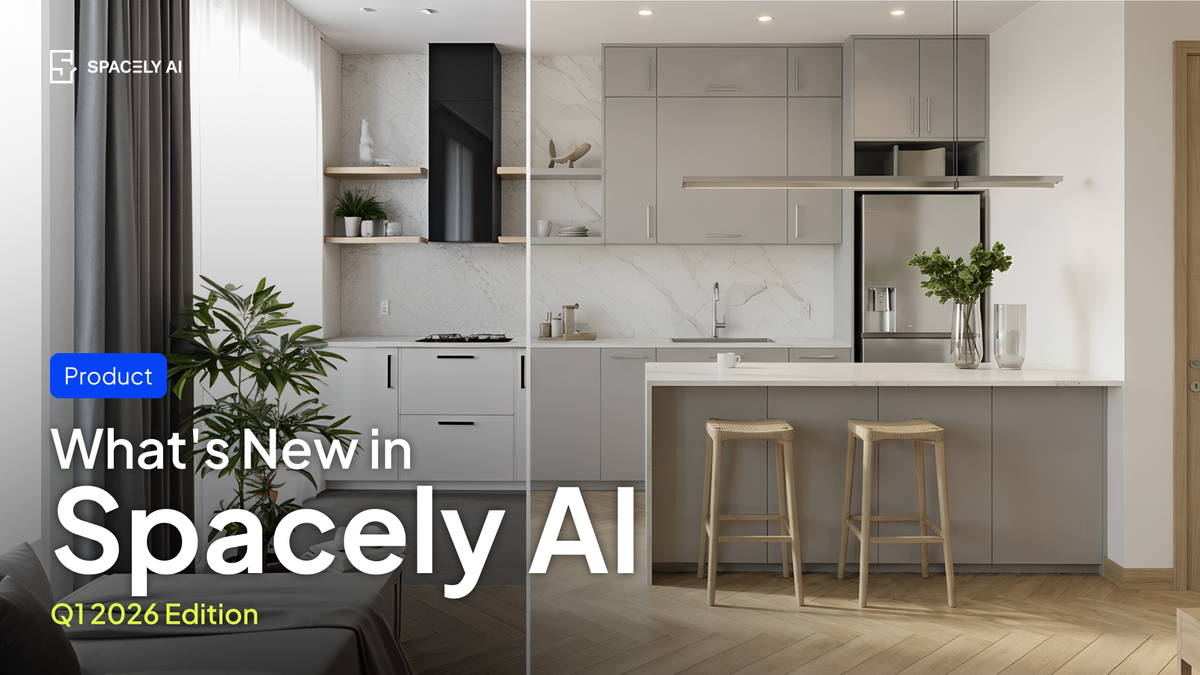
For the past two years, Spacely AI has been a trusted AI rendering tool for interior designers, architects, and real estate professionals — a space to upload, generate, and deliver.
This quarter, Spacely AI has evolved into a complete spatial design workspace — supporting the full journey from first concept to final delivery. All in one place.
📌 Q1 2026 Release Highlights:
- Infinite Canvas: See your entire project in one place.
- Creative Render: More controls. More Precisions.
- Project Folders: Every output organized by project.
- Workflows: Role-based guidebook in your workspace.
- New Lighting Controls: Two new tools for adjust lighting without starting over.
- Upgraded AI Model
- SketchUp Extension: Signing in just got simpler.
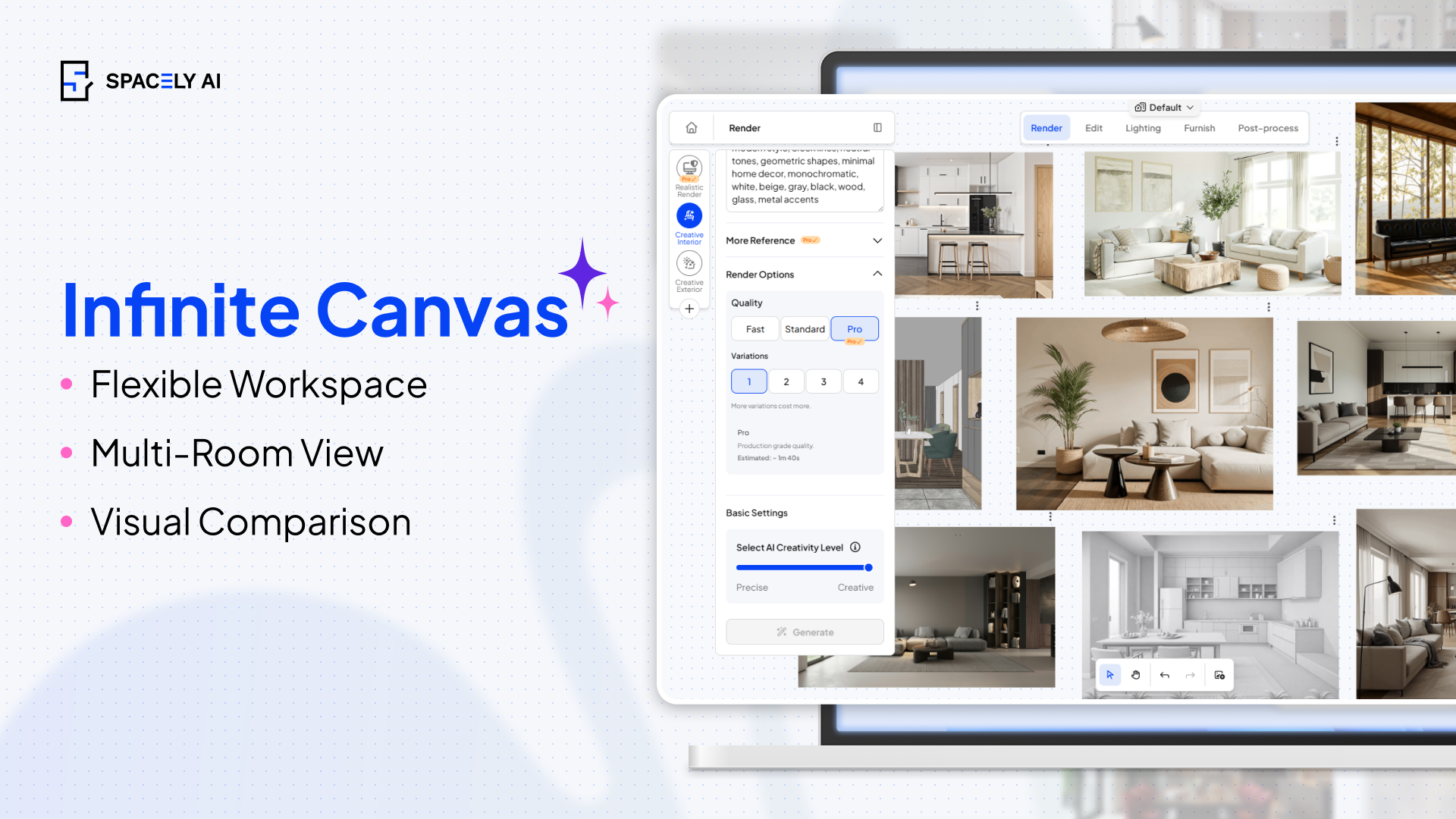
1. Infinite Canvas — Design Without Boundaries
If you've ever opened four browser tabs to compare render variations, this is for you. Infinite Canvas allows every renders, references, and variations stays on one surface. Zoom in to refine a single detail. Zoom out to see the full project landscape.
This is the feature that changes how you think about AI rendering. Instead of generating one image at a time and downloading each result, you now work inside a persistent visual environment. Giving your project spatial organization, not just chronological order.
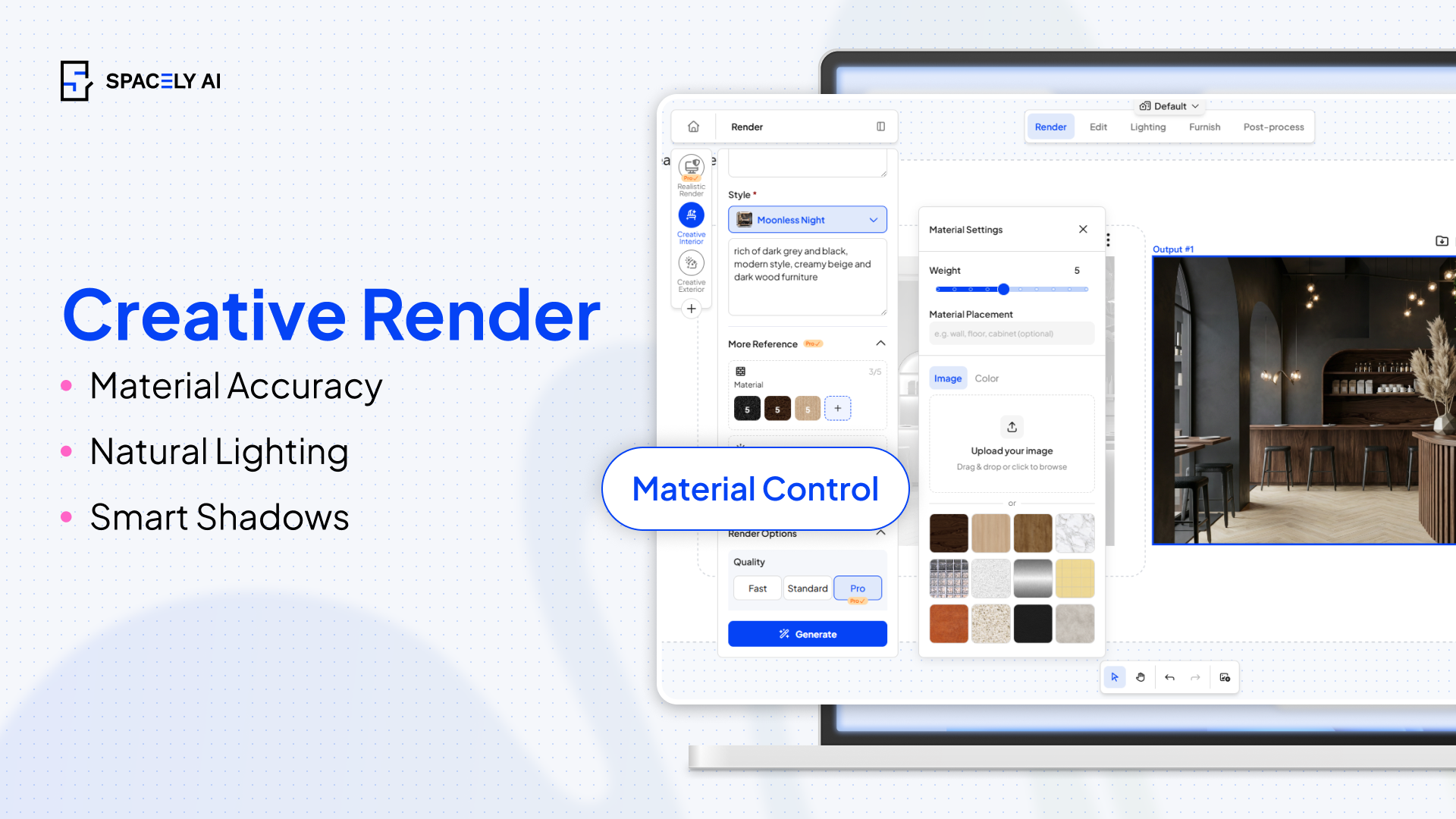
2. Creative Renders — Significantly More Realistic Creative Rendering
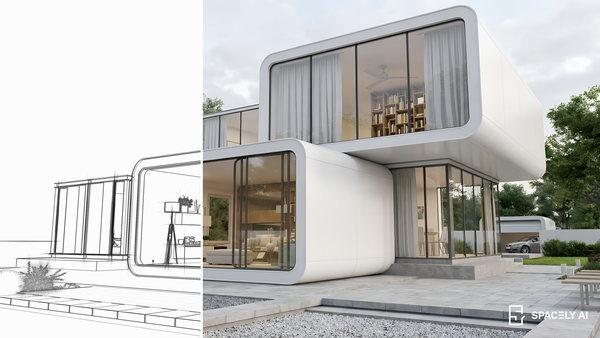
Creative Render gives you direct control over style intensity, material emphasis, and composition — for both interior and exterior projects. One tool, two modes, full precision over how the final output looks and feels.
This is what separates a general-purpose AI image from a professional design render. Instead of accepting whatever the AI decides, you guide the output toward the exact result your project needs. More control at the input means fewer revisions at the output.
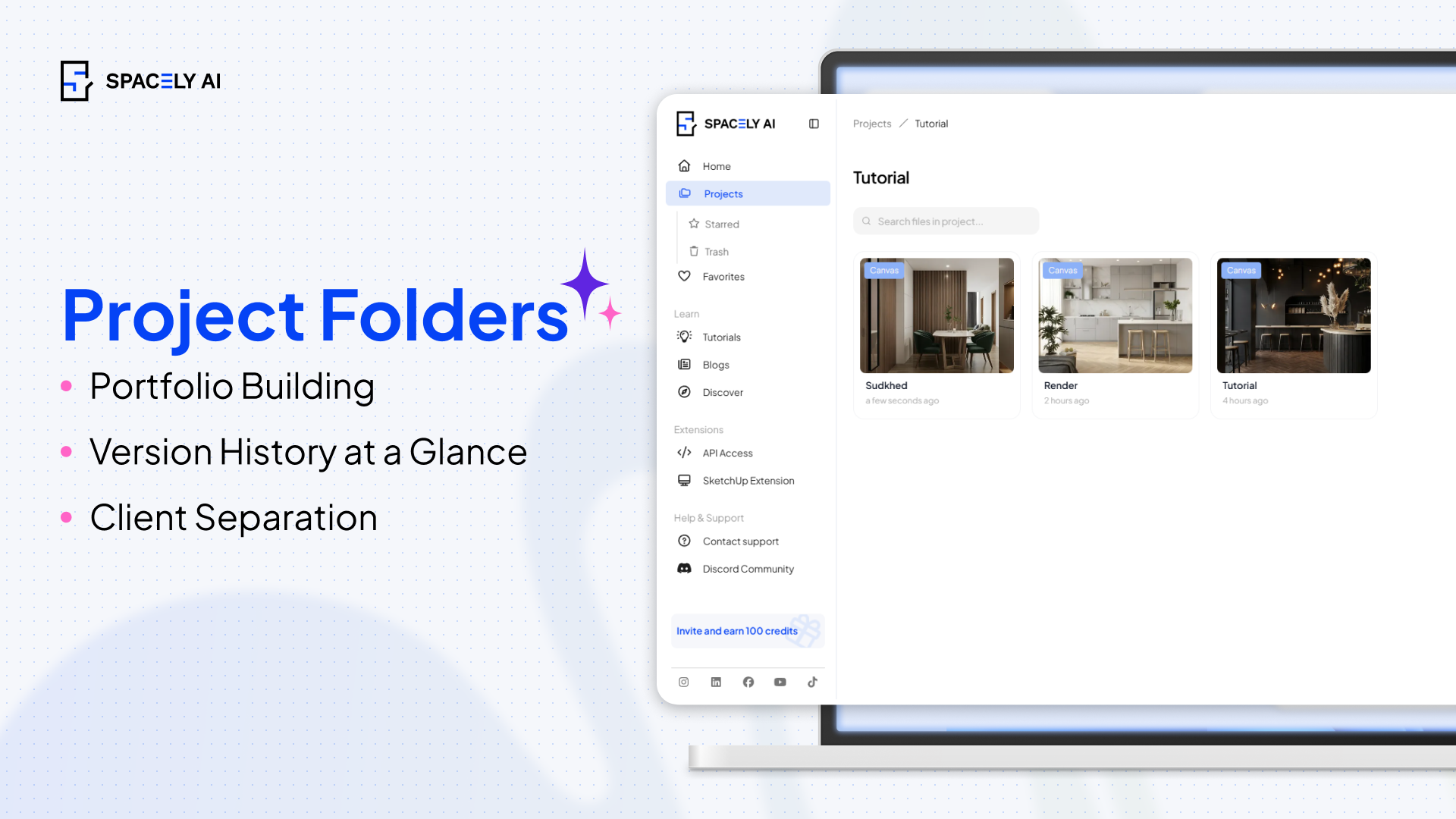
3. Project Folders — Keep Every Work Organized
Now that your creative workspace is set, Project Folders step in as your built-in filing system. Every render, edit, and post-processed output can now be grouped by client, property, or project type. Every output — from first concept through revision rounds to final approved delivery — is grouped, ordered, and accessible.
This sounds simple. It is. And that's the point. Finding a specific render from three weeks ago meant scrolling through dozens of unrelated outputs. Project Folders solve this by giving you a structure that mirrors how design work actually happens: by client, by project, by phase.
4. Workflow — Your Step-by-Step AI Design Guidebook
We equip you with 12+ advanced AI tools for spatial design, organized into your step-by-step playbook. It organizes our entire toolkit into clear stages and offers 8 guided templates based on your exact role and project type — turning every new project into a repeatable, client-ready process.
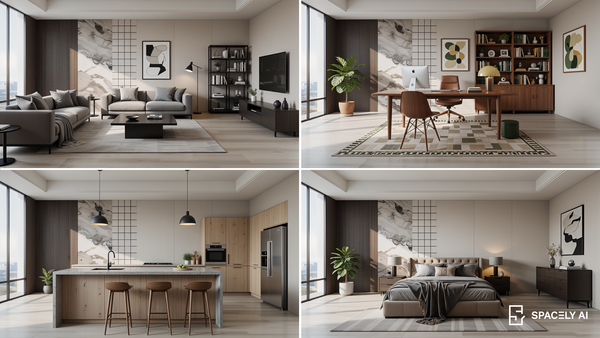
If you're new to AI rendering, Workflow eliminates the "where do I start?" You pick a template — Interior Redesign, Virtual Staging, Sketch to Render — and the workflow guides you through each step. If you're an experienced Spacely AI user, Workflow makes your design process a sequence repeatable across your projects.
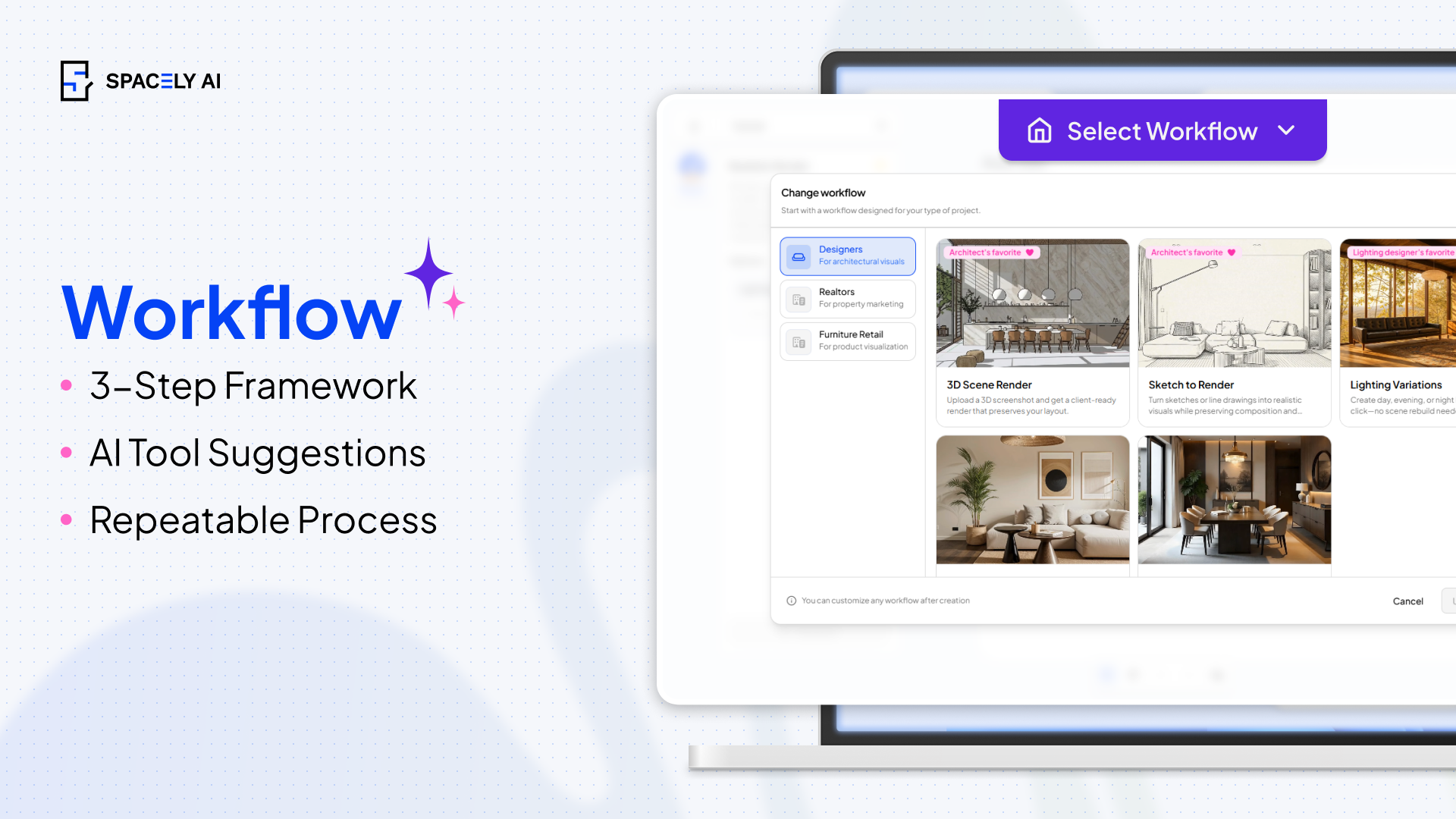
Available for: All plans (basic tools). Studio and Business for full access including Enhance Quality 4K and Auto Furnish.
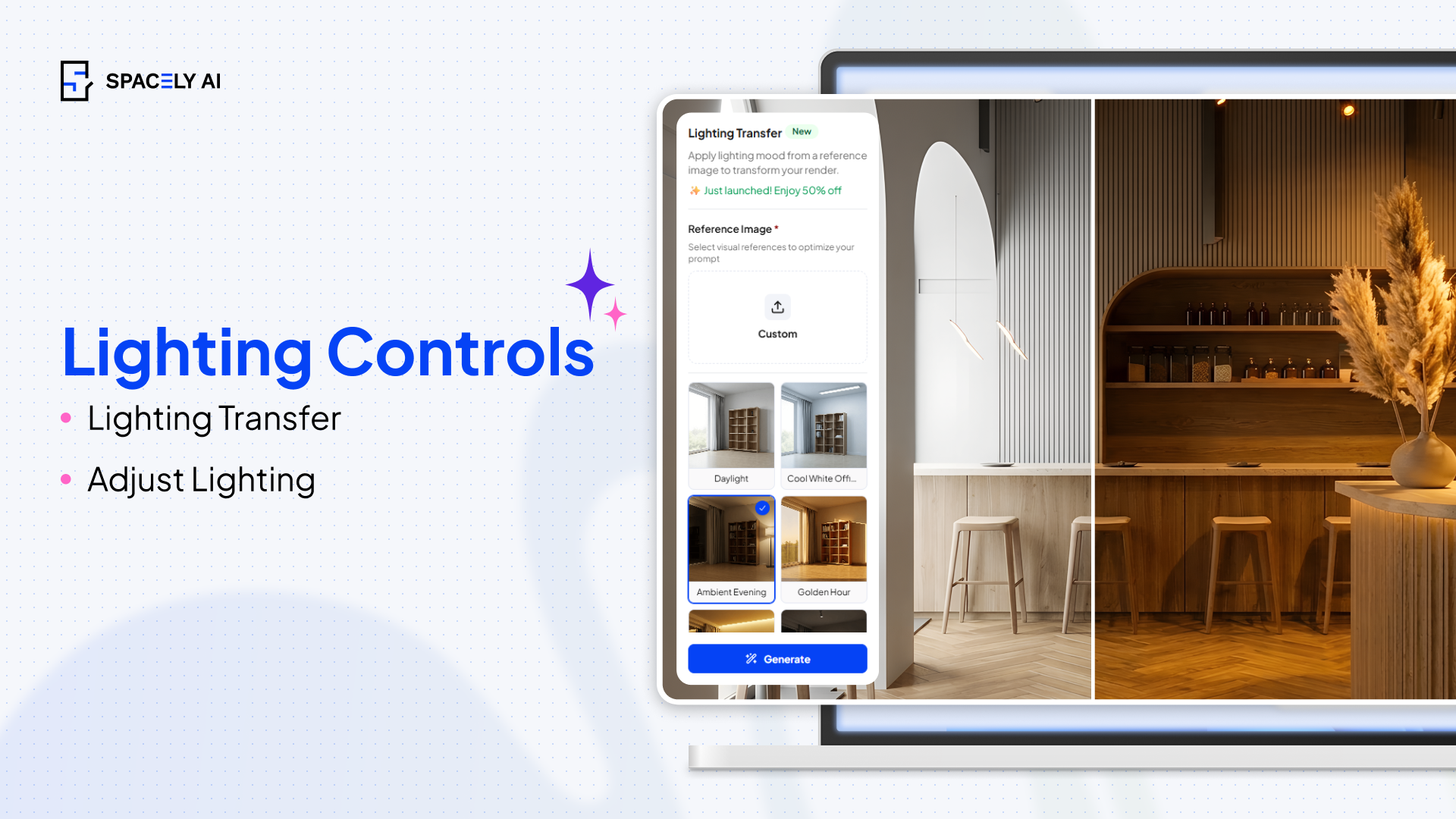
5. New Lighting Controls — Transfer Any Mood. Refine Every Detail.
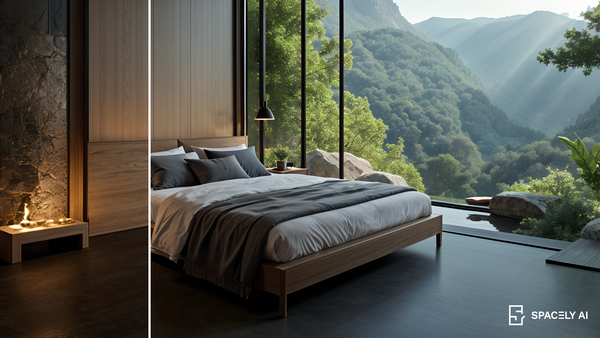
Lighting is one of the most defining elements in any spatial design — and one of the hardest to communicate before a project is built. This quarter, Spacely AI introduces two new lighting tools that give you direct control over how a space feels, not just how it looks.
This quarter, Spacely AI introduces new lighting tools that give you direct control over how a space feels, not just how it looks.
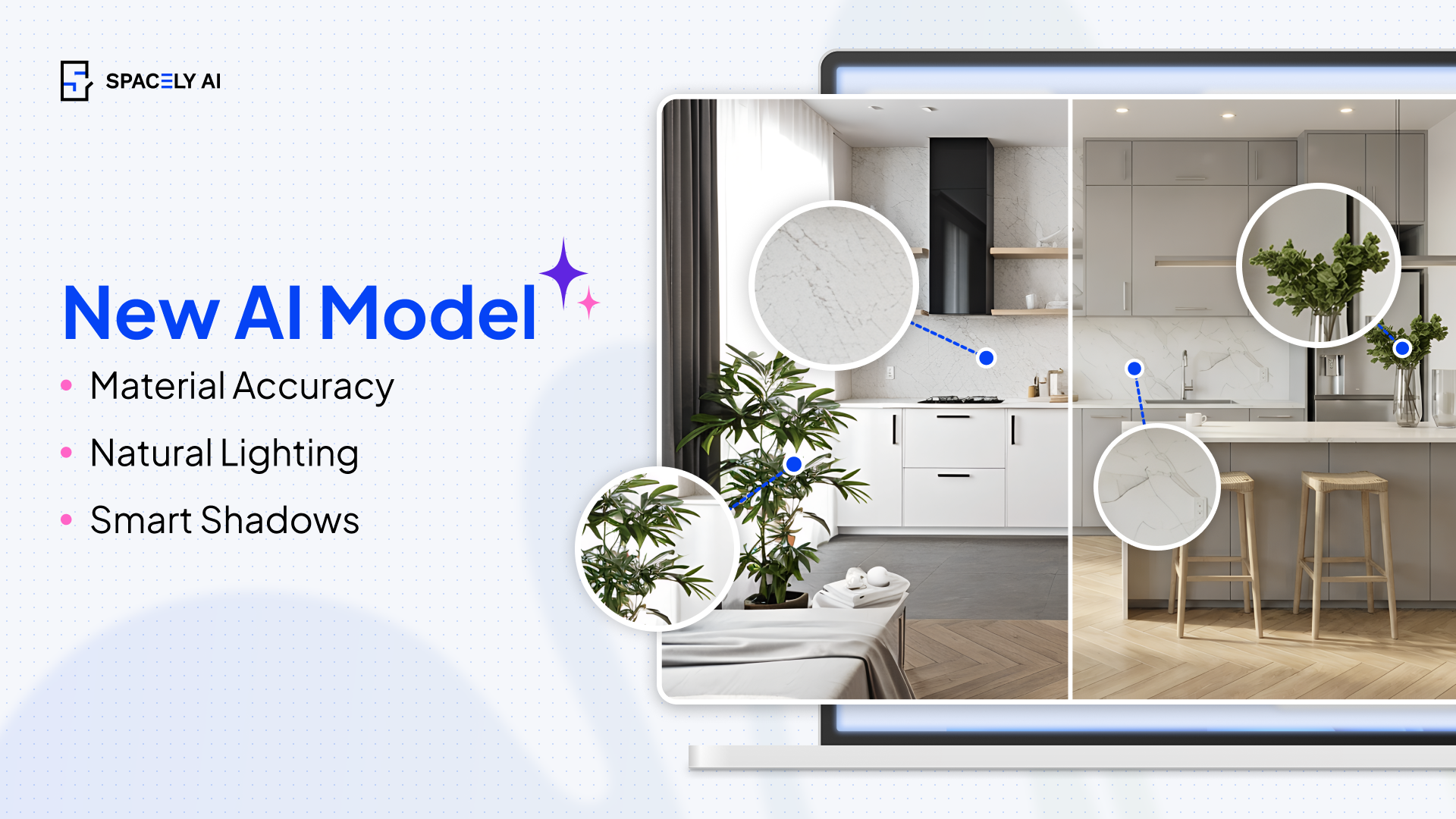
6. New AI Models — Significantly More Realistic Creative Rendering
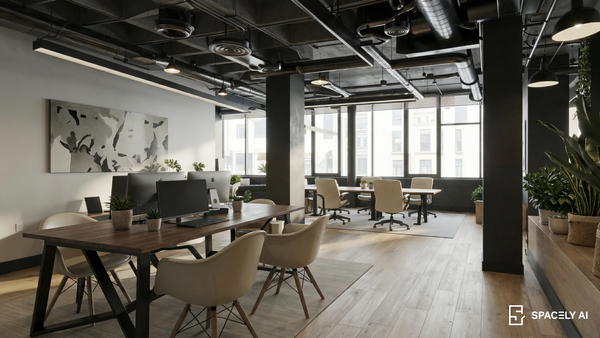
Our rendering engine received a major upgrade this quarter. The new models produce visuals with improved overall sharpness, clearer output at standard resolution across all rendering modes.
This isn't a single feature — it's a foundational improvement that affects every render you generate from this point forward. Whether you're using Interior Render, Realistic Render, Creative Render, or Auto Furnish, the underlying model produces better results.
7. SketchUp Extension — Now Even Easier to Get Started
Signing into Spacely AI from SketchUp just got simpler. The updated SketchUp Extension now supports OTP sign-in via email — no password required, no separate account setup to manage.
🎯 Tutorial for SketchUp version 2025 and above
🚀 Let’s Get You Set Up
All Q1 features are available now:
- Starter Plan — Infinite Canvas, Project Folders, Access to Workflow templates, Spacely AI Starter Tools
- Studio Plan — Full Workflow access, Enhance Quality (4K), all new rendering modes, Creative Render Pro
- Business Plan — Everything above, plus API access and priority processing
New to Spacely AI? Create a free account with free credits and start rendering today.
Have feedback? We'd love to hear from you. Reach out to support@spacely.ai