Spacely AI Workflow: Your 3-Step Guidebook from Empty Canvas to Client-Ready
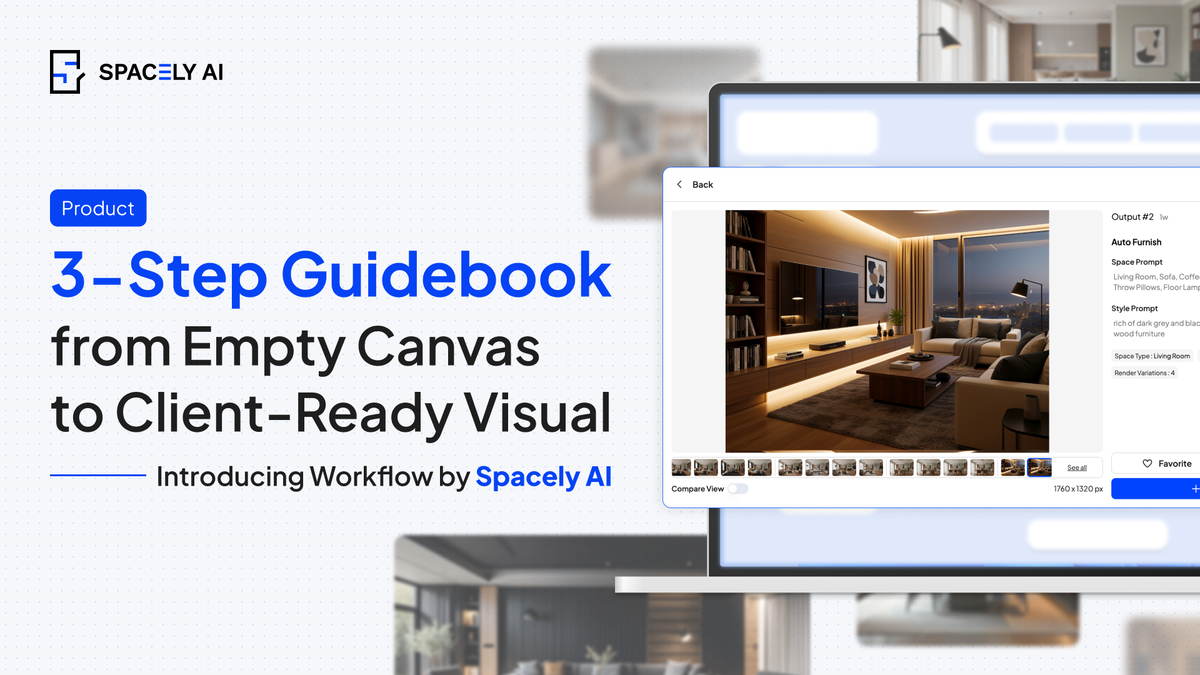
Introducing the Spacely AI Workflow
The most common question from new users is: 'Where do I even begin?' Spacely AI offers rendering, editing, staging, and enhancement tools — and the real opportunity is knowing how to connect them into a workflow that keeps your projects moving forward.
That's what the Workflow is built for. Render → Edit → Post-Process
No guessing. No switching between random tools. Just a structured path from idea to client-ready output.
🔨 How to use it:
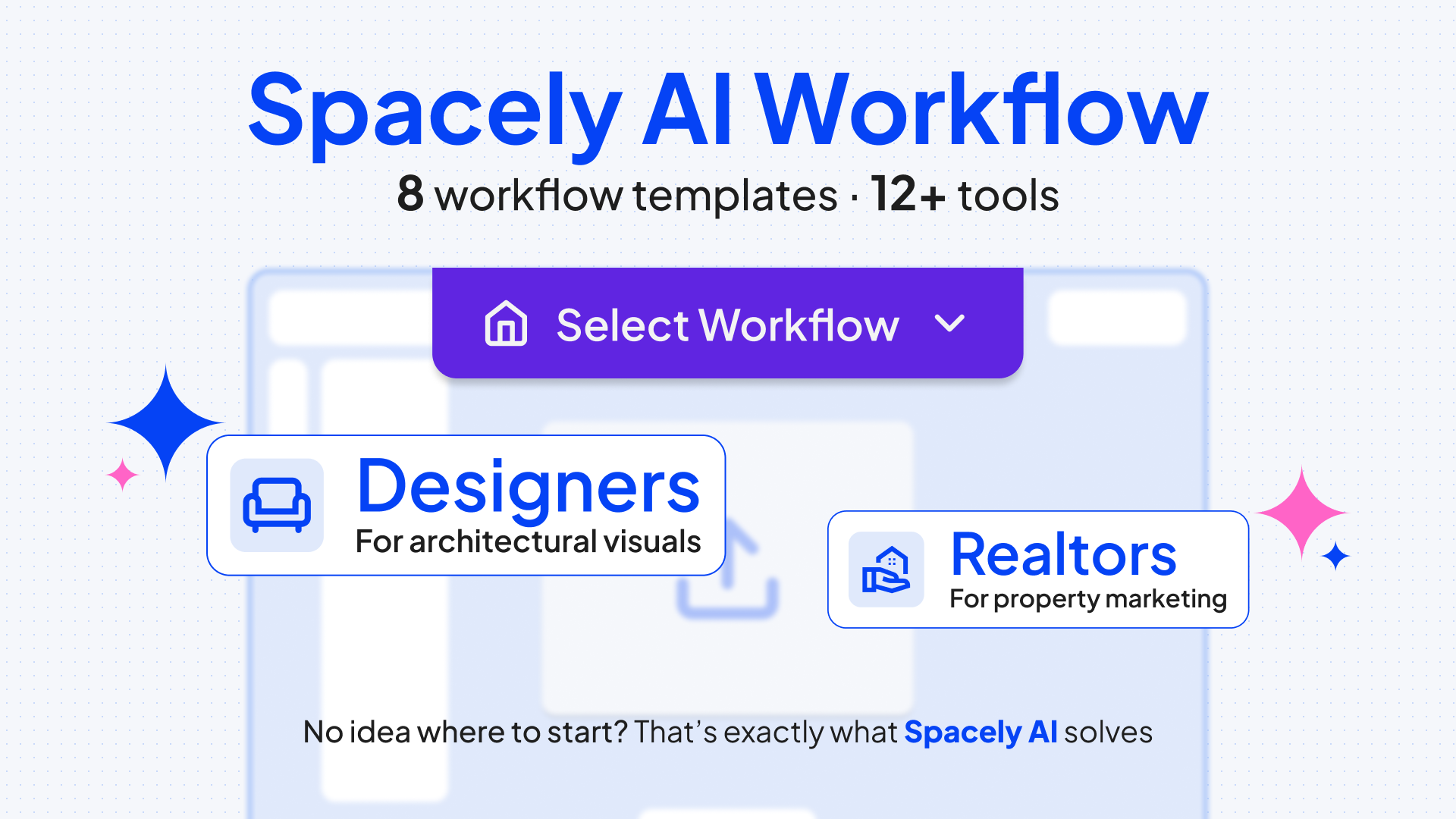
- Open your project in AI Design Canvas
- Select a Workflow template (3 personas — 8 templates)
- Upload your image
🎨 Step 1: Render — Craft the Overview Visual
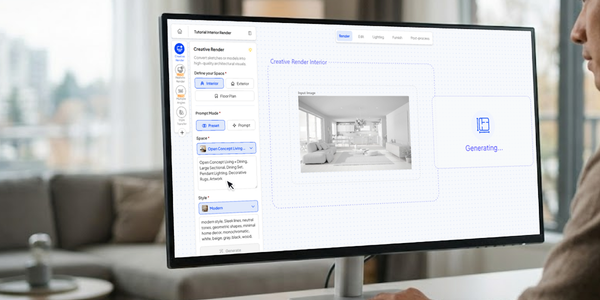
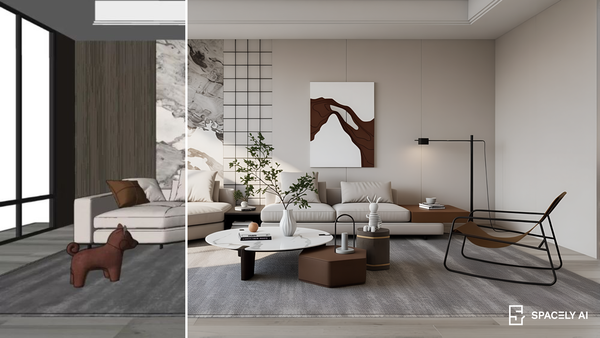
This is where the idea becomes visual. Upload a sketch, 3D model, or room photo. Choose your style, set the mood, and generate. You go from "nothing" to a solid visual concept your client can react to.
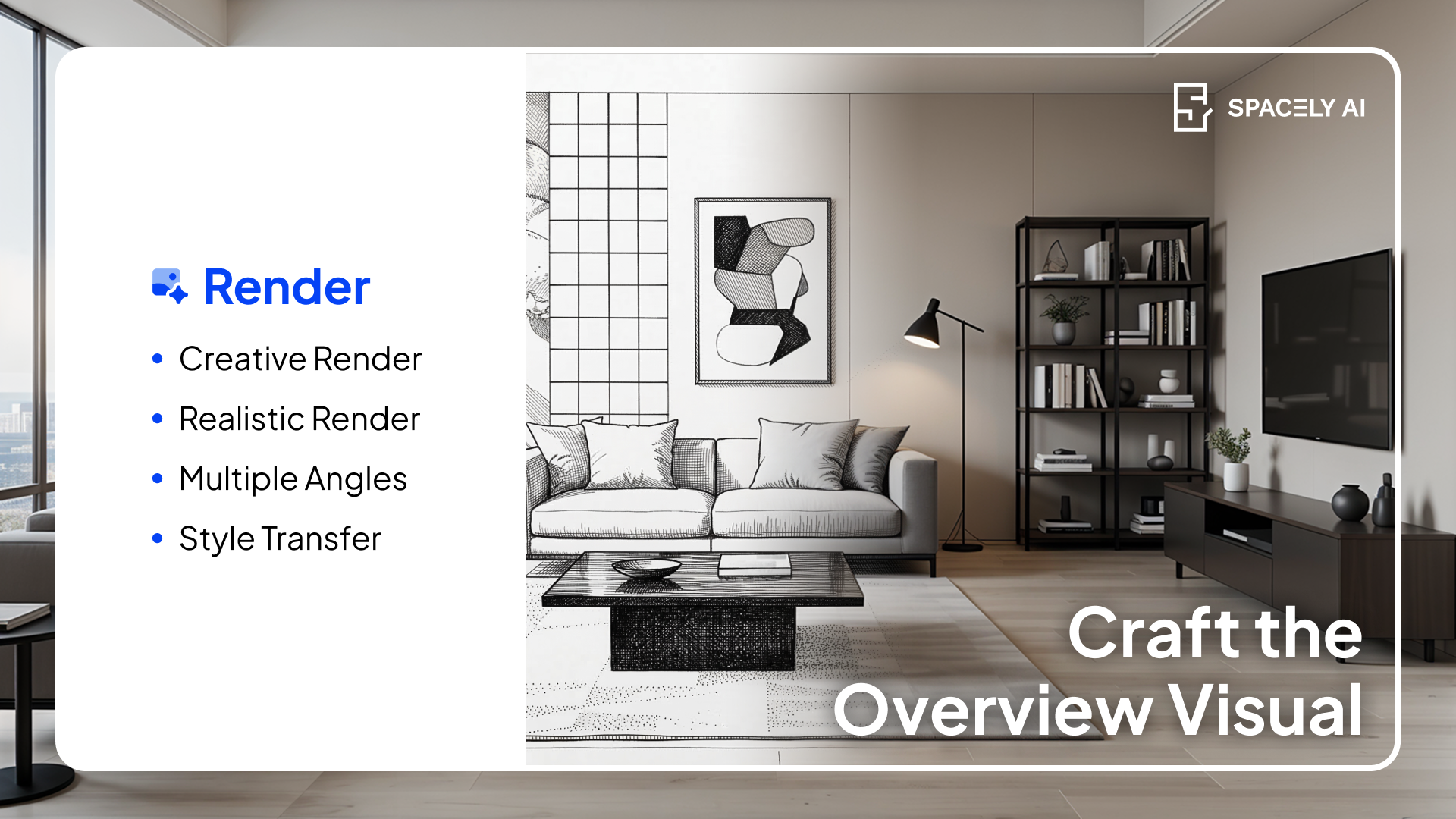
💡 Pro tip: Use a narrative prompt — a descriptive summary that establishes the mood, the spatial layout, and the environment. Don't just list items; describe the atmosphere.
✏️ Step 2: Edit — Customize to Your Vision
When a client responds: "Love the layout, but can we try other color shades?” This is where step-by-step AI rendering becomes a professional spatial design software. You don't re-render everything. You edit precisely: Point at the element, describe what you want, done.
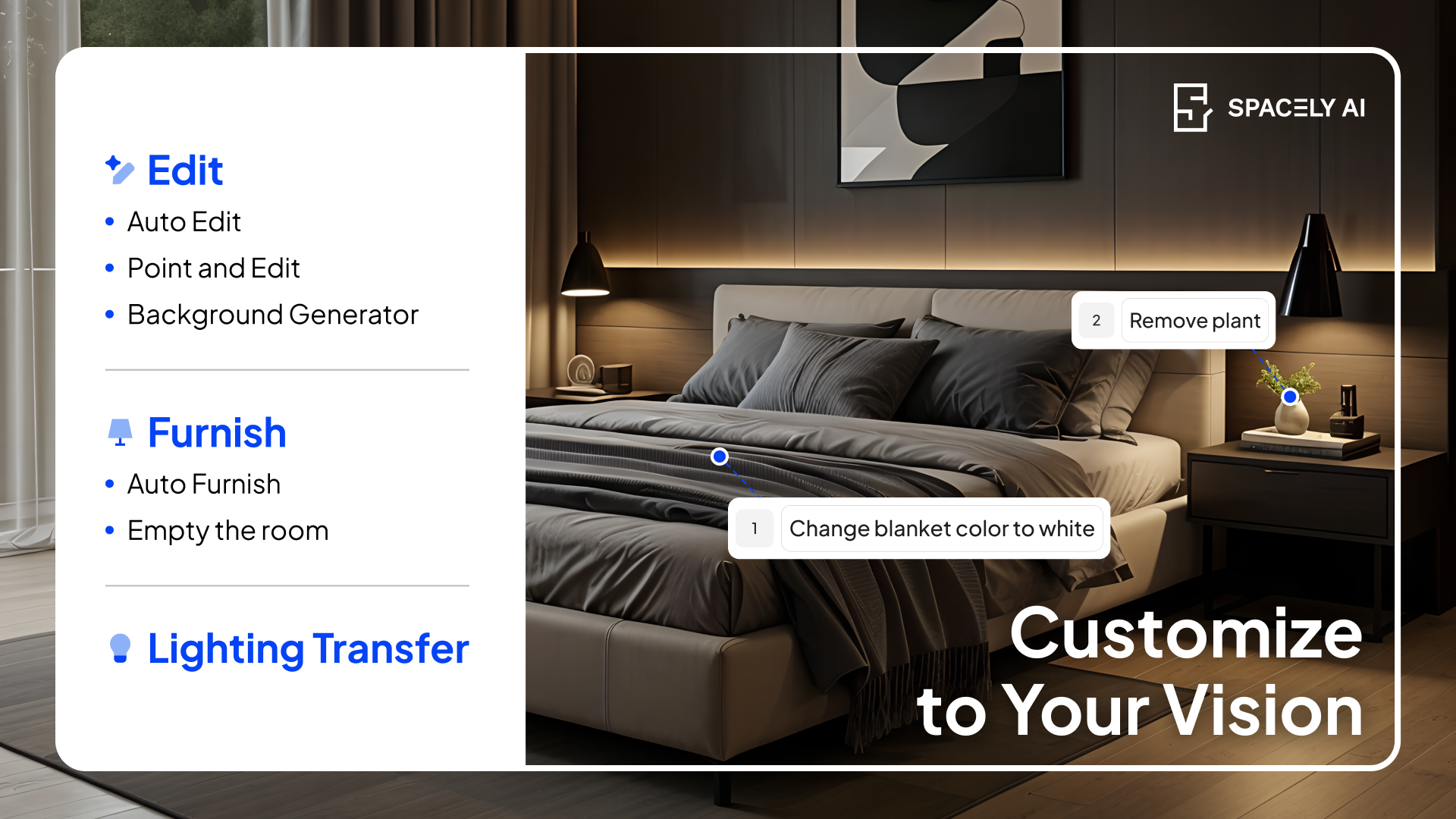
💡 Pro tip: Avoid vague description and subjective adjectives. Use clear keywords with commas, not full sentences, when writing prompts. Place the most important elements first.
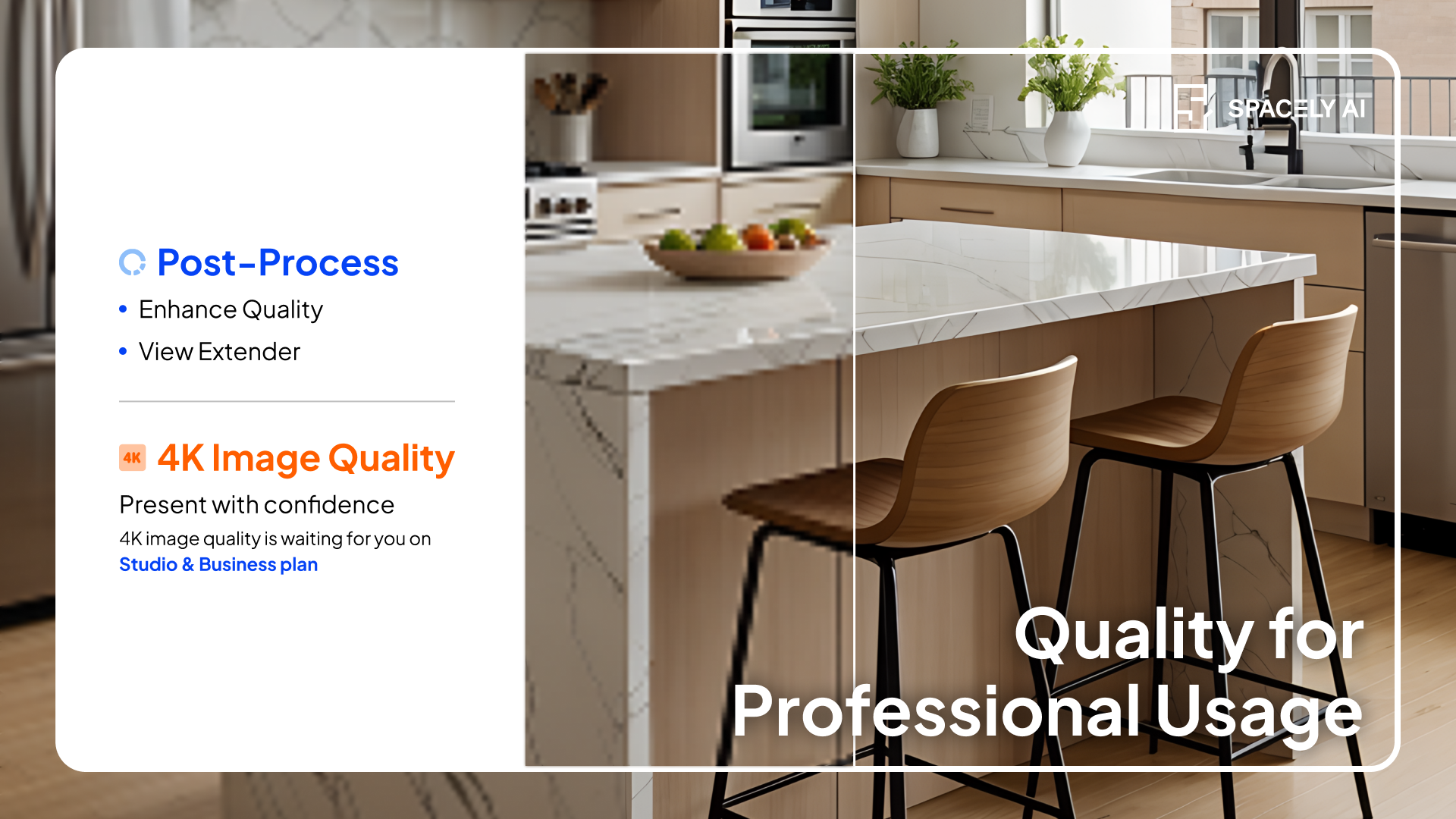
📐 Step 3: Post-Process — Quality for Professional Usage
The design is ready. Now it's time to make sure it looks the part. Post-processing is where your work gets the finish it's earned — ready for the client, ready to deliver.
🔍 Recap
✅ 3-step guided design workflow AI: Render → Edit → Post-Process
✅ 8 persona-based templates for designers, architects, and realtors
✅ 12+ tools organized into a clear, repeatable sequence
✅ Built for beginners and power users
🚀 Try Workflow Free!
👉 Launch Workflow — available now for all Spacely AI users.